Roadmaps And Milestones

AG - Timeline

Turn plans, milestones, launches, and delivery dates into a clear visual timeline inside SharePoint. Content owners update a familiar SharePoint list, while visitors see a polished roadmap that is easy to understand.

Vertical timeline
Horizontal roadmap
Category filters
Today marker
Best For

Teams that need to communicate plans, program milestones, change rollouts, product launches, or governance checkpoints in a clean SharePoint page experience.

What It Includes

A flexible timeline experience for presenting roadmap items from a SharePoint list.

Vertical Or Horizontal Layout

Choose a classic vertical timeline or a horizontal roadmap depending on the story you need to tell.

SharePoint List Content

Milestones are managed in a SharePoint list with title, date, description, category, icon, link, and sort order.

Category Filtering

Show all roadmap items or focus the page on a selected category for a specific audience.

Useful Links

Timeline cards can link to supporting pages, documents, or resources when more detail is available.

Today Marker

Add a current-date marker so readers can quickly see where the timeline sits now.

Branded Presentation

Adjust headings, card sizing, colours, icons, background, and the timeline spine to fit the page.

Clear Roadmap Communication

Timeline turns plans, milestones, and key dates into a polished SharePoint experience that helps teams and stakeholders understand what is happening next.

A Visual Timeline For Important Work

Roadmap items are presented with dates, categories, icons, descriptions, and links so people can understand progress without reading through long status updates.
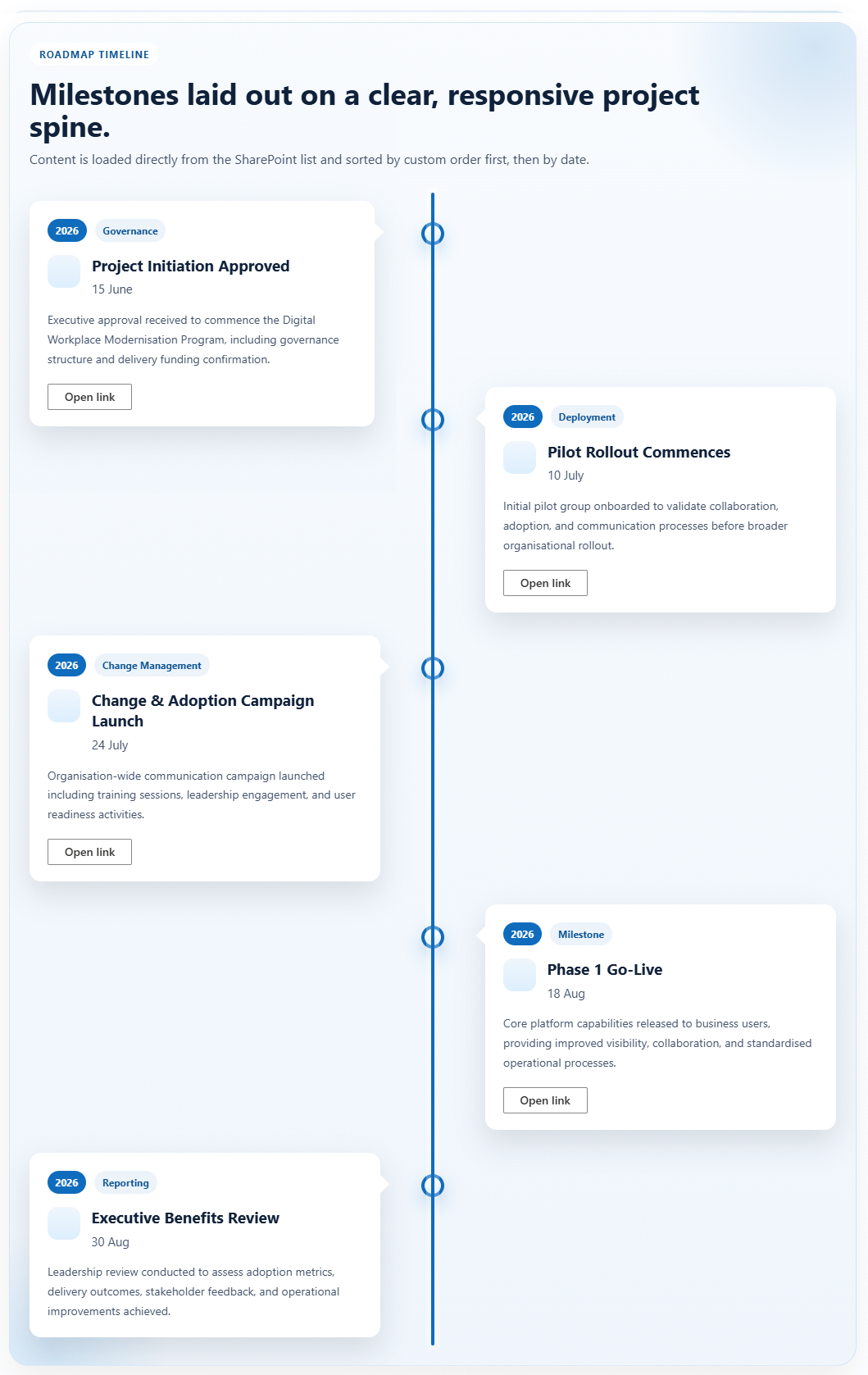
Timeline overview screenshot

Flexible Roadmap Layouts

Choose a horizontal roadmap for broad program views or a vertical timeline for a more detailed delivery story.
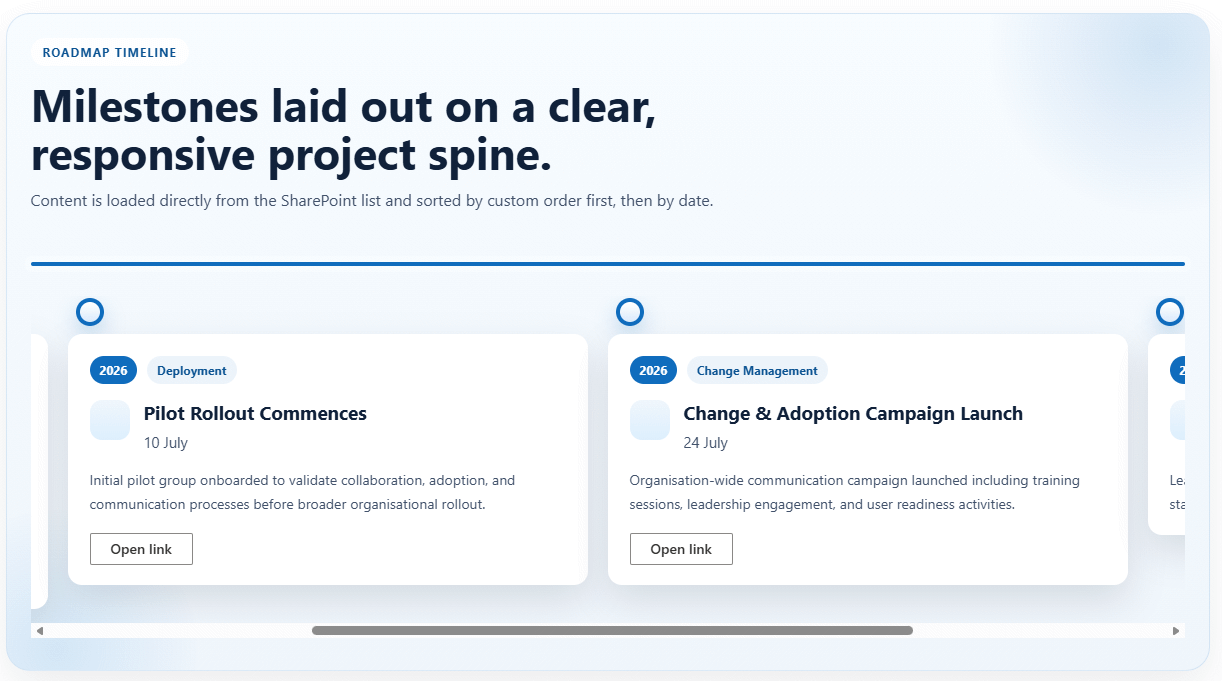
Timeline horizontal roadmap screenshot
Screenshot placeholder: vertical timeline layout or configuration panel with layout, category, Today marker, and colour options.

Easy To Shape For Each Audience

Page owners can adjust the layout, category focus, Today marker, headings, colours, and card styling to suit different teams and communication needs.

What Can Be Configured

  • The SharePoint list used for roadmap items
  • Vertical or horizontal layout
  • Category filter and category badges
  • Heading and summary text
  • Icons, reveal animation, background colours, card width, card corners, spine colour, and node colour
  • Optional Today marker and its supporting message

Common Uses

  • Program and portfolio roadmaps
  • Change and adoption campaigns
  • Governance or compliance milestones
  • Product and service launches

Ready To Add Timeline?

Send through your roadmap requirements and I will confirm the package, list setup, display options, and deployment pathway.

Buy Now