Values-Based Recognition

AG - Awards Wall

Create a public place in SharePoint where people can nominate colleagues, connect recognition to your values, and browse recent awards. It is designed for everyday users: simple nomination, clear award cards, search, likes, and comments.

Award nominations
Corporate values
Likes and comments
Searchable wall
Best For

Organisations that want visible, values-aligned colleague appreciation without asking staff to learn a separate recognition system.

What It Includes

A focused awards experience that makes nominations easy to submit and easy to celebrate.

Nominate Colleagues

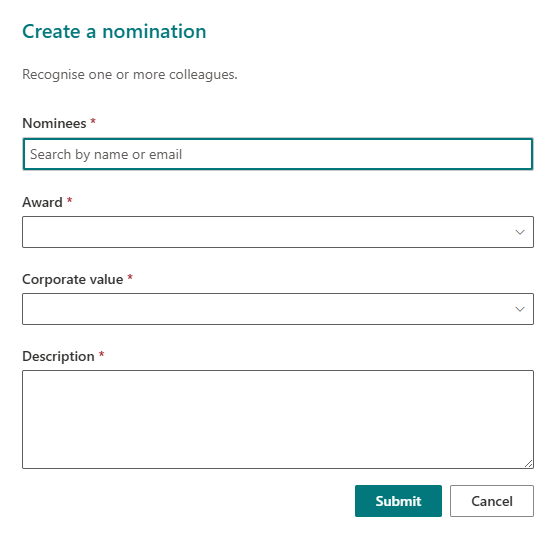
Users can choose one or more colleagues, select an award, connect it to a value, and add a meaningful message.

Celebrate Your Values

Award types and corporate values can match the language your organisation already uses.

Browse Recent Awards

The wall shows recent recognition in clear cards that are easy to scan on desktop or mobile.

Search And Discover

People can search by person, award, value, or message to find relevant recognition.

Likes And Comments

Colleagues can react to nominations and add comments to keep appreciation visible.

Controlled Reference Data

Award names, values, and list names can be managed so the experience stays clean after launch.

A Complete Recognition Experience

Awards Wall gives teams a visible, easy-to-use place to celebrate great work and connect recognition to the values that matter most.

Recognition At A Glance

The wall brings recent nominations together in a clean, searchable display so people can quickly see who has been recognised and why.
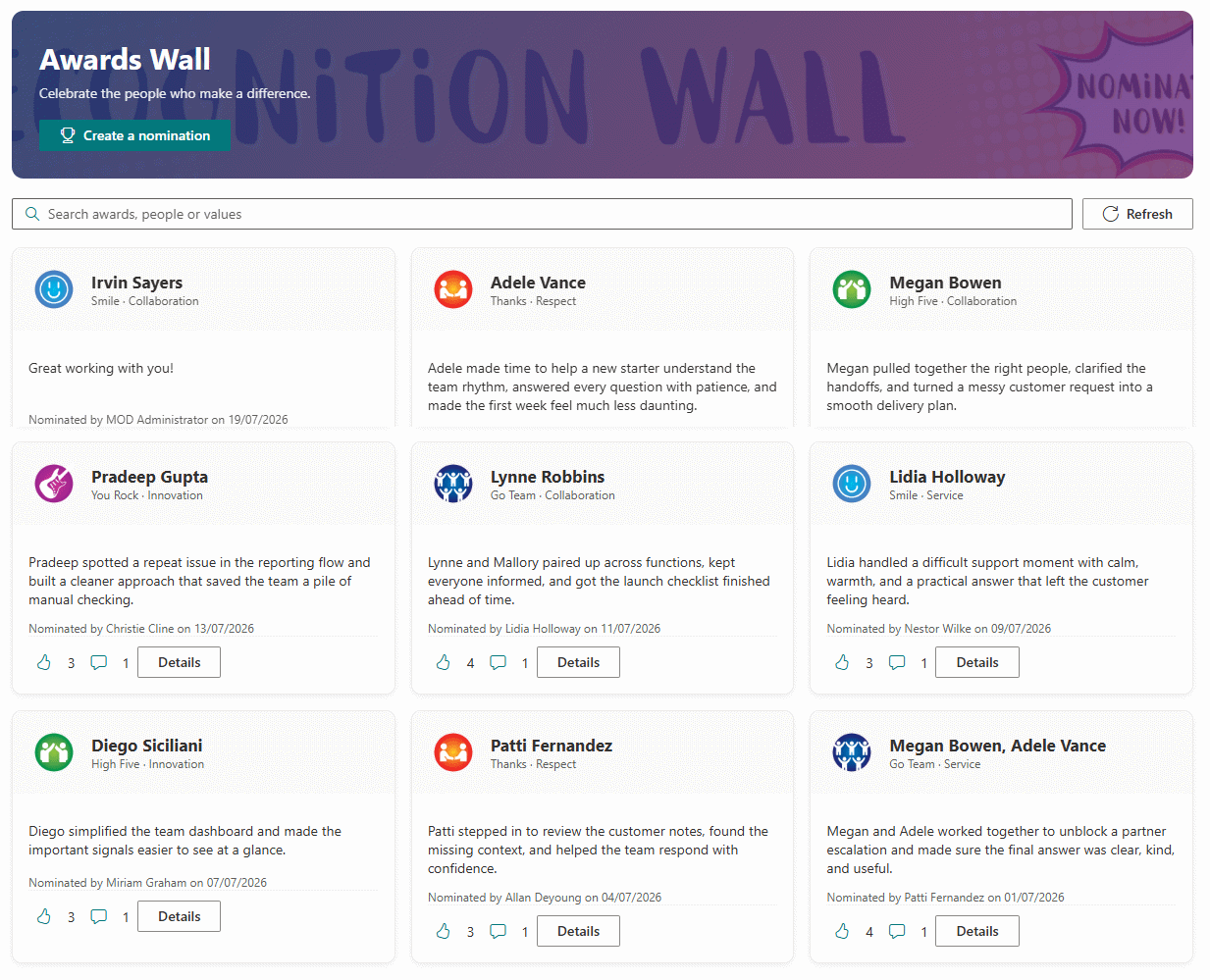
Awards Wall screenshot

Simple Award Nominations

Users can nominate colleagues, add a personal message, and pick from:

Award
  • Smile
  • High Five
  • Thanks
  • Go Team
  • You Rock
Corporate Values
  • Respect
  • Collaboration
  • Service
  • Innovation
Awards Wall Nomination

Visible Appreciation

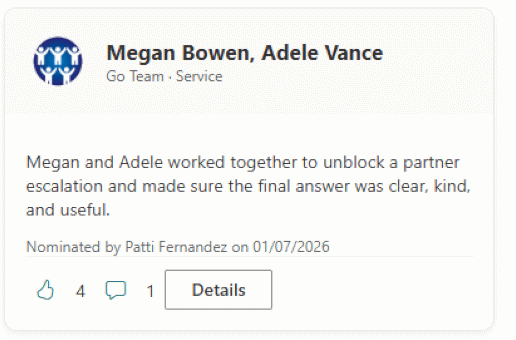
Likes and comments help recognition feel shared, while search makes it easy to find awards by person, value, award type, or message.

What Can Be Configured

  • Page title shown above the wall
  • How many days of nominations appear by default
  • The SharePoint lists used for nominations, likes, comments, awards, and values
  • Award types, badge images, and corporate values used in the nomination form

Common Uses

  • Values-based recognition campaigns
  • Peer appreciation pages
  • Department award walls
  • Intranet recognition hubs

Ready To Add Awards Wall?

Send through your awards and values requirements and I will confirm the package, setup steps, and deployment path.

Buy Now